Forward Phone to AI Receptionist: Guide & Best Practices
Telecommunications, Call Forwarding, Small Business Operations
Never Miss a Lead: Forward Your Business Phone to an AI Receptionist in Minutes
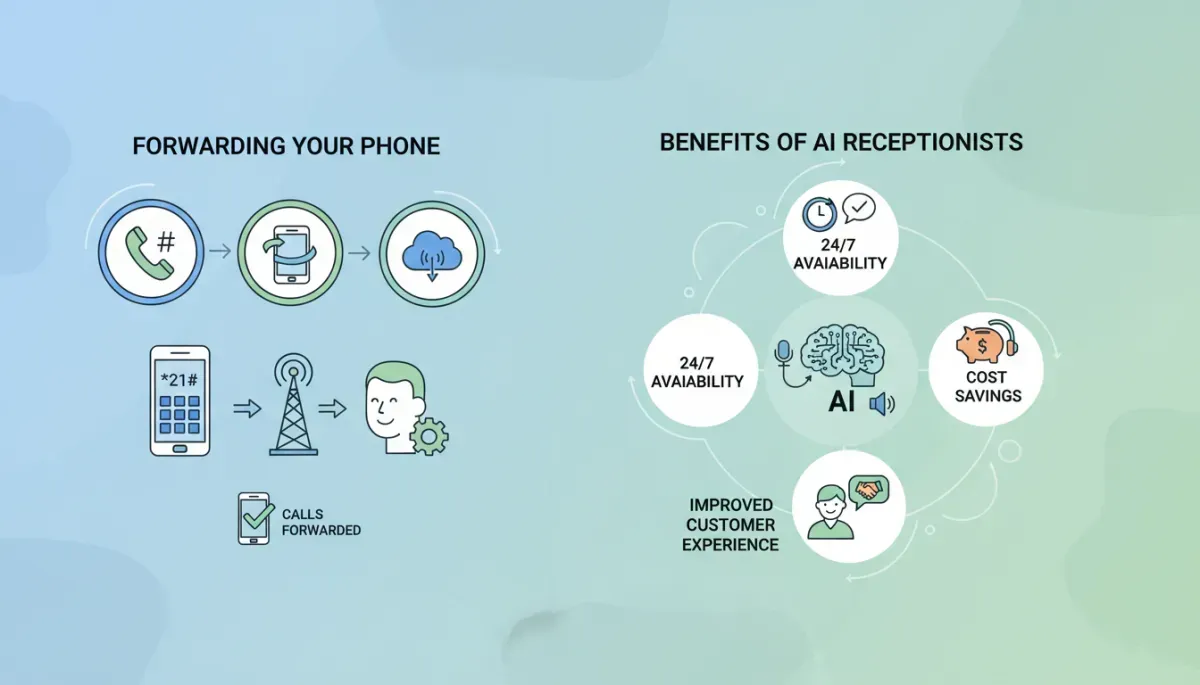
How many opportunities has your business missed because a call went to voicemail—or never rang at all? In a world where customers expect instant answers, every unanswered call can mean a lost lead, a frustrated client, or a damaged first impression. Forwarding your existing cell phone or landline to an AI Receptionist is one of the fastest ways to modernize your business communications without changing your phone number or carrier. This guide explains how call forwarding works, the most common star codes by major carriers, and how to choose the right setup for your small business operations so you never have to choose between doing your work and answering the phone.
👉Use the Free Call Forwarding Tool to Get Your Exact Carrier Codes
Why call forwarding matters for modern small businesses
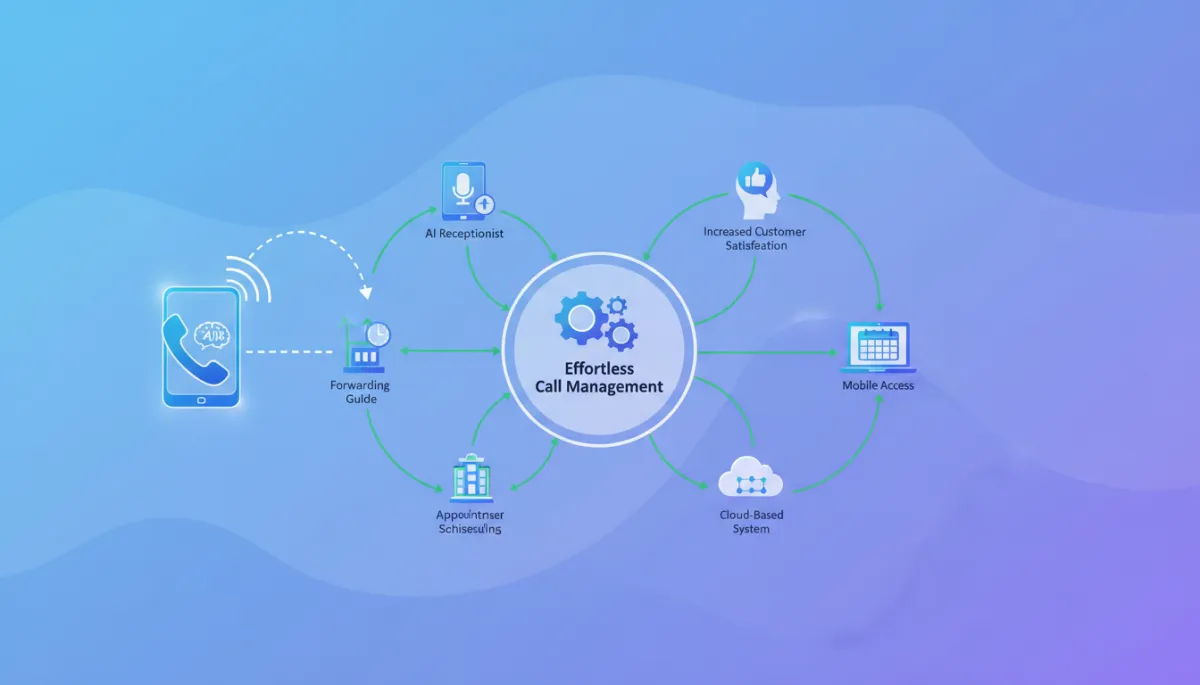
In today’s telecommunications landscape, your main business number is often a cell phone or a long‑standing landline. Changing that number can disrupt client relationships, marketing materials, and internal workflows. Call forwarding solves this—letting you keep your existing number while routing calls to an AI Receptionist that can answer, screen, and route calls 24/7.
For small business operations, this means fewer missed calls, more consistent customer service, and less dependence on one person’s availability. To unlock those benefits, you’ll want a clear picture of how forwarding actually works in practice. The key is understanding how to activate forwarding using the star codes your carrier supports, and which type of forwarding best matches your workflows.
💡 Pro Tip: To quickly find the exact carrier codes and step‑by‑step instructions for your specific phone number and provider, you can use our free call forwarding tool. It automatically detects your carrier, shows the right call forwarding star codes, and provides clear, SEO‑ and AEO‑friendly guidance so you can activate AI call routing in just a few clicks.
📌 Key Takeaway:Don’t guess your carrier’s forwarding codes. In less than a minute, you can open the free call forwarding tool, confirm your provider, and copy‑paste the exact star code sequence you need to start sending calls to your AI Receptionist today.
👉Use the Free Call Forwarding Tool to Get Your Exact Carrier Codes
The three main types of call forwarding you should know
Before you start dialing star codes, it helps to know which flavor of call forwarding you’re turning on. Most carriers support a few core options that map neatly to common small business scenarios:
Unconditional forwarding (always forward) — Every call to your number is forwarded to your AI Receptionist, regardless of your phone’s status. This is ideal if you want your AI Receptionist to be the primary answer point for all business calls.
Busy / no‑answer forwarding — Calls only forward when your line is busy, unanswered, or out of service. This is useful if you still want to answer calls yourself first, with the AI Receptionist as a backup.
Selective or conditional forwarding — Some carriers allow forwarding only for specific callers or conditions. This is more advanced and less common for small teams but can support tailored workflows, such as forwarding only after business hours.
Once you’ve chosen which type of forwarding fits your day‑to‑day operations, the next step is understanding how carriers let you control those settings behind the scenes.
💡 Pro Tip: For most AI Receptionist setups, unconditional forwarding is the simplest and most reliable option—especially if multiple team members already rely on the AI for intake and routing.
How star codes work in telecommunications call forwarding
Most carriers let you control forwarding directly from your phone keypad using star codes. You dial a short sequence—usually starting with * or **—followed by your AI Receptionist number, then press call. The network applies the forwarding at the carrier level, so it works even if your phone is turned off or out of coverage.
In other words, you don’t need a new app or special hardware; you’re simply telling your existing provider where to send calls. While exact codes can vary slightly by region or plan, the patterns below are commonly used across major U.S. carriers. Always confirm with your carrier if a code does not behave as expected.
💡 Pro Tip: Instead of manually searching carrier help pages, open the free call forwarding tool, enter your business number, and let it surface the exact star codes and deactivation sequences your carrier supports.
Common call forwarding codes by major carrier
With that context in mind, here’s a quick reference of the most frequently used “forward all calls” codes. Use this as a starting point, then verify against your specific plan if something doesn’t work as expected.
Carrier Forward all calls — activate Forward all calls — deactivate AT&T (wireless, many landlines) Dial *21*AI‑number# then call Dial #21# then call Verizon Wireless Dial *72AI‑number then call Dial *73 then call T‑Mobile (and many MVNOs on its network) Dial **21*AI‑number# then call Dial ##21# then call Landlines (varies by provider) Commonly *72AI‑number, then call Commonly *73, then call
⚠️ Warning: Some business VoIP or hosted PBX systems use their own web dashboard instead of star codes. If your number is part of a PBX, check with your provider before changing forwarding.
👉Use the Free Call Forwarding Tool to Get Your Exact Carrier Codes
Step‑by‑step: forward your mobile phone to your AI Receptionist
Once you know which codes to use, turning on forwarding from your cell phone is a straightforward, one‑time setup. Here’s a simple sequence you can follow:
Locate your AI Receptionist number. This is the destination number provided in your AI Receptionist dashboard or welcome email. Have it ready in full 10‑digit format.
Confirm your carrier. On your phone, open Settings → About (or check your latest bill) to confirm whether you are on AT&T, Verizon, T‑Mobile, or another network.
Dial the appropriate star code. Using the table above, enter the activation code followed by your AI Receptionist number, then press call. For example, on Verizon you would dial *72 plus the 10‑digit AI number.
Wait for confirmation. Most carriers play a confirmation tone or recording. Once you hear it, end the call—your forwarding is active at the network level.
Test from another phone. Call your business number from a different line. You should reach your AI Receptionist. If the call still rings your cell directly, re‑enter the code and confirm the number.
📌 Key Takeaway: As soon as you know your exact carrier code, the whole process takes just a couple of minutes. Open the free call forwarding tool, grab the correct sequence for your provider, and follow the steps above to connect your number to your AI Receptionist.
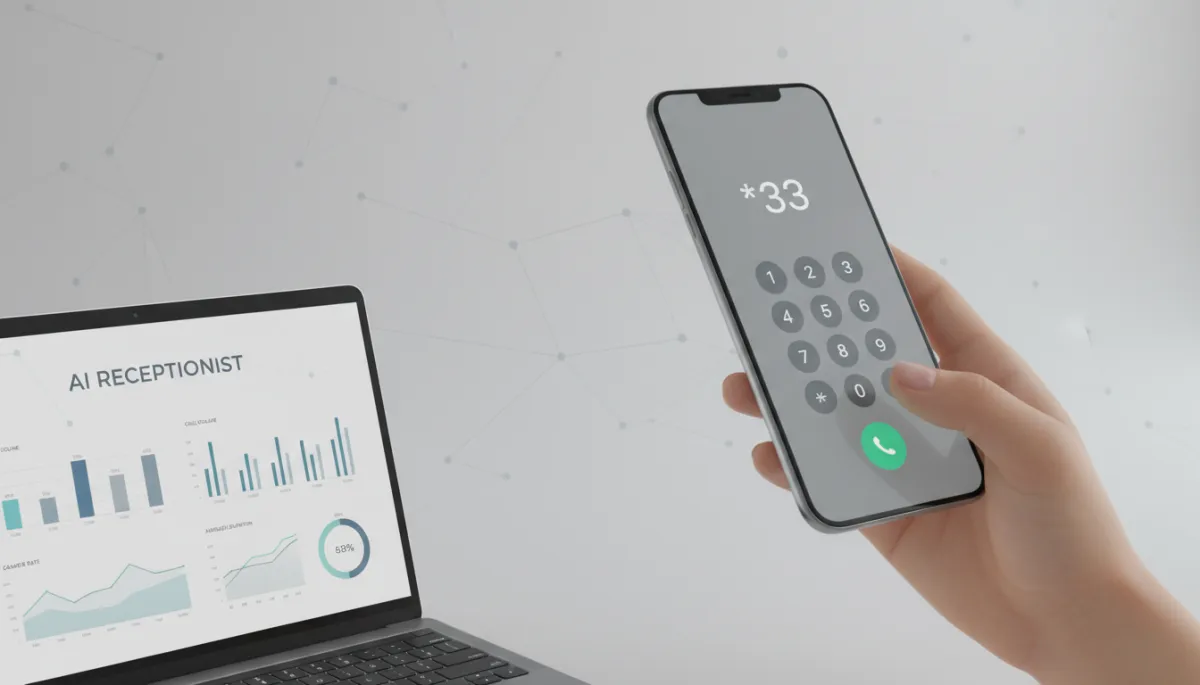
A quick star code and test call can fully connect your number to AI.
Forwarding landlines and office phones used in small business operations
Many established businesses still rely on a main landline—printed on signage, business cards, and invoices. In most cases, you can forward this number using the same star codes as traditional phone service, often *72 to activate and *73 to deactivate. Dial the code from a handset connected to that line, enter your AI Receptionist number if prompted, and listen for confirmation.
If your office uses a hosted VoIP system or a multi‑line PBX, forwarding may be controlled in an online portal instead of via star codes. In that case, set the main business number or “reception” extension to forward to your AI Receptionist number, then test from an external phone. This approach keeps your internal extensions intact while modernizing your front‑door call handling.
💡 Pro Tip: Not sure which codes apply to your landline or VoIP provider? Use the free call forwarding tool as a starting point—it can often identify the underlying carrier powering your number and suggest the correct forwarding pattern.
Deactivating call forwarding when you need to take calls directly
There will be times when you want to pause forwarding—such as during on‑site meetings or when troubleshooting. To turn forwarding off, use your carrier’s deactivation code from the table above, typically #21#, *73, or ##21#, then place the call and wait for confirmation. Your phone will start ringing directly again, bypassing the AI Receptionist until you reactivate forwarding.
📌 Key Takeaway: Keep your forwarding setup flexible. Bookmark the free call forwarding tool so you can quickly look up both activation and deactivation codes whenever your call‑handling strategy changes.
👉Use the Free Call Forwarding Tool to Get Your Exact Carrier Codes
Bringing it all together: a practical call‑forwarding strategy
Effective telecommunications for small business operations is less about complex hardware and more about smart routing. By combining your existing carrier, simple star codes, and an AI Receptionist, you can preserve your current phone numbers while significantly upgrading how every call is handled. Start with unconditional forwarding for a clean, predictable experience, verify that calls reach your AI Receptionist, then refine your setup as your team’s needs evolve.
Once forwarding is in place and tested, your AI Receptionist becomes a reliable front line—answering every call, capturing details, and routing inquiries—so you and your team can focus on the work that moves your business forward. To see this in action, you can connect your existing number to the Inservice AI Suite and experience how a Voice AI Agent with Inservice handles real customer conversations. When you’re ready to explore this further and see how it fits your specific workflows, you can move seamlessly into a live demo experience.
💡 Pro Tip: Before you book a full demo, take 60 seconds to plug your number into the free call forwarding tool, grab your carrier’s exact codes, and turn on forwarding. That way, you’ll see your AI Receptionist handling real calls during the live demo instead of a theoretical setup.